
November 3, 2026
Why Is My Website Not Showing Up on Google? 10 Causes & Fixes
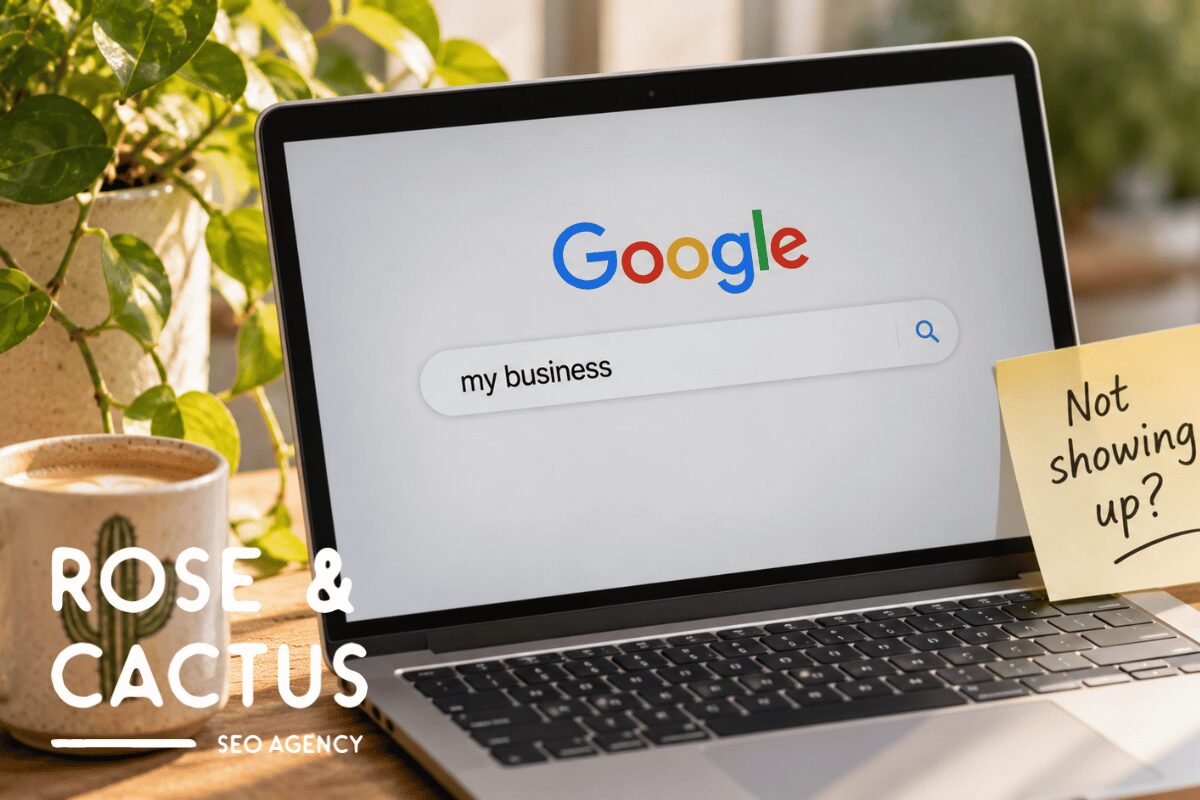
You type your business name into Google, or the service you offer, and scroll. And scroll. Your website isn’t there.
It’s a horrible feeling, but it’s almost always fixable. Sometimes it’s a single setting that takes 30 seconds to change. Sometimes Google just hasn’t caught up yet. And sometimes your site is there, just not for the search you tried.
This guide starts with a quick check to work out which of those you’re dealing with, then walks through the 10 most common causes and how to fix each one.
First: is your site missing, or just not ranking?
These are two very different problems, and the fix depends on which one you have.
Go to Google and search for:
site:yourdomain.com
Replace “yourdomain.com” with your own web address. Google suggests turning off SafeSearch first so nothing is filtered out.
If no results appear, Google hasn’t indexed your site. It doesn’t know your pages exist, or it’s been told to stay away. Causes 1 to 6 below are the likely culprits.
If your pages appear, your site is indexed. It just isn’t ranking for the search you tried. Causes 7 to 9 explain why.
If it’s your business that’s missing from Google Maps, jump to cause 10.
For a more precise answer on a single page, use the URL Inspection tool in Google Search Console. It tells you whether the page is indexed and, if it isn’t, why.
1. Your website is too new
If you launched recently, Google may simply not have found and processed your pages yet. Google’s help page on missing pages says that after a new page goes live, “it takes some time… before we crawl it, and more time after that to index it,” and that indexing can take anywhere from a day or two to a few weeks.
The fix: Set up Google Search Console, verify your site, and submit your XML sitemap (see cause 3). Use URL Inspection on your most important pages and click “Request indexing.” Then give it at least a week before assuming something’s wrong.
This is the most common reason a new website isn’t showing up on Google, and the only fix is setup plus patience.
2. Your site is telling Google to stay away
This one is surprisingly common, especially after a website launch or redesign. There are three usual suspects.
A robots.txt block. Your robots.txt file tells search engines which parts of your site they can crawl. Visit yourdomain.com/robots.txt. If you see this, your whole site is blocked:
User-agent: * Disallow: /
A noindex tag. This tells Google not to include a page in search results. It’s often added to a site while it’s being built and then forgotten.
The WordPress “discourage search engines” box. In WordPress, go to Settings > Reading and check that “Discourage search engines from indexing this site” is unticked. This one setting has hidden a lot of brand-new websites.
The fix: Remove the block, then request indexing in Search Console. The Indexing > Pages report will show any pages marked “Excluded by ‘noindex’ tag” or “Blocked by robots.txt.”
Password-protected pages and “coming soon” modes cause the same problem. If Google can’t see the page, it can’t index it.
3. Google can’t find your pages
Google discovers pages by following links and reading sitemaps. If a page has no links pointing to it and isn’t in your sitemap, Google may never find it.
The fix:
- Make sure you have an XML sitemap (most website platforms create one automatically) and submit it under Indexing > Sitemaps in Search Console.
- Link to every important page from somewhere else on your site, like your menu, your homepage, or related pages. Our guide to internal linking explains how.
4. Google is showing a different version of your page
If your site loads at several addresses (with and without “www,” or with “http” and “https”), Google treats these as duplicates and picks one to show. Google says “Search results will point only to the canonical page,” meaning the version it chose.
Sometimes Google picks a version you didn’t expect, which can make it look as if your page is missing.
The fix: Make sure every version of your site redirects to one main address. In URL Inspection, check which URL Google has chosen as the canonical. If it’s wrong, fix your redirects and canonical tags. Our post on duplicate content covers this in more detail.
5. You moved or redesigned your site without redirects
If you changed your domain name, switched platforms, or rebuilt your site with new page addresses, your old pages may have disappeared from Google before the new ones were picked up. Google’s help page notes that rankings can drop if “mistakes were made when executing the move.”
The fix: Set up 301 redirects from every old URL to its closest new equivalent, then submit your new sitemap. If you changed domains, use the Change of Address tool in Search Console too.
6. Google has penalized your site or found a security problem
Less common, but serious. If Google finds spam tactics on your site, it can apply a manual action, which Google says “will lower your page ranking or remove it entirely from Search results.” If your site has been hacked, Google may also drop it or show a warning.
The fix: In Search Console, check Security & Manual Actions. If there’s a manual action, it will explain the problem. Fix it, then submit a reconsideration request. If your site has been hacked, clean it up (your host can usually help) before requesting a review.
While you’re there, check the Removals tool in case someone requested that pages be hidden from Google.
7. You’re searching for the wrong thing
If your site shows up in a site: search but not when you search for what you do, you’re indexed but not ranking. That’s a different problem.
Start by checking what Google actually shows your site for. In Search Console, go to Performance and look at the queries list. You might be ranking on page two for “kitchen remodeling Columbus” while you’ve been checking page one for “kitchen renovation.”
Also remember that your own searches are affected by your location and history. The Performance report shows how your site actually appears to everyone.
8. Your content doesn’t match what people are searching for
To rank for a search, you need a page that clearly answers it. A single “Services” page listing everything you do won’t rank well for any specific service. A homepage that never mentions the town you work in won’t rank for local searches there.
The fix: Create a dedicated page for each main service, and make sure it uses the words your customers actually search for. Our guide to search intent explains how to match your pages to what searchers want.
9. The competition is stronger, for now
Sometimes everything is set up correctly and your site is simply newer, smaller, or less established than the businesses already ranking. They may have years of content, reviews, and links from other websites.
The fix: This is where ongoing SEO comes in. Build helpful content, earn reviews and local links, and keep improving. Start with less competitive, more specific searches, like a particular service in a particular town, and work up from there. Our guide to how long SEO takes gives a realistic timeline.
10. Your business isn’t showing up on Google Maps
If your website appears in search but your business isn’t showing up in the map results, the issue is usually your Google Business Profile. The common causes:
- It isn’t verified. Unverified profiles generally aren’t shown publicly. Check your profile’s status and finish verification.
- It’s been suspended. Google suspends profiles that break its guidelines, often for keyword-stuffed business names or incorrect addresses. Google usually emails the owner with the reason.
- There’s a duplicate. If two profiles exist for the same business, Google may filter one out.
- You recently moved. A new address can take time to gain visibility.
- You’re too far from the searcher. Google ranks local results mainly on relevance, distance, and prominence. If you search from across town, closer competitors may appear instead.
- Your categories or details don’t match the search. If your primary category is wrong, Google may not connect you with the services you offer.
The fix: Log in to your Business Profile and check for any status warnings first. Then complete every field, choose the right categories, and start building reviews. Our Google Business Profile optimization guide walks through each step.
A quick checklist
If your site isn’t showing up on Google, work through this in order:
- Search
site:yourdomain.comto see whether you’re indexed at all - Check robots.txt and the WordPress “discourage search engines” setting
- Set up Google Search Console and submit your sitemap
- Use URL Inspection on your homepage and key pages, and request indexing
- Check the Pages report for noindex, robots.txt, or redirect problems
- Check Security & Manual Actions and the Removals tool
- Look at the Performance report to see what you actually rank for
- Check your Google Business Profile status if you’re missing from Maps
If you’ve worked through the list and still can’t find the problem, get in touch and we’ll take a look at what’s keeping your site off Google.
 | Laura PullingLaura is a content strategist, SEO consultant, and lover of quiz nights. She works with global clients to turn great ideas into well-ranked, high-converting content.   |
FAQs: Website Not Showing Up on Google
Why is my new website not showing up on Google?
How do I check if Google has indexed my site?
Why is my site not showing up on Google when I search for my service?
Why is my business not showing up on Google?
Why is my business not showing up on Google Maps?
Can a WordPress setting stop my site showing on Google?
Ready to See Real Results?
Let’s Get Started.
We’re not here to follow trends. We’re here to build strategies that bring bold results and lasting growth. Whether you need a complete overhaul or just a strategic boost, Rose & Cactus is ready to deliver.
let's work together


